Photos
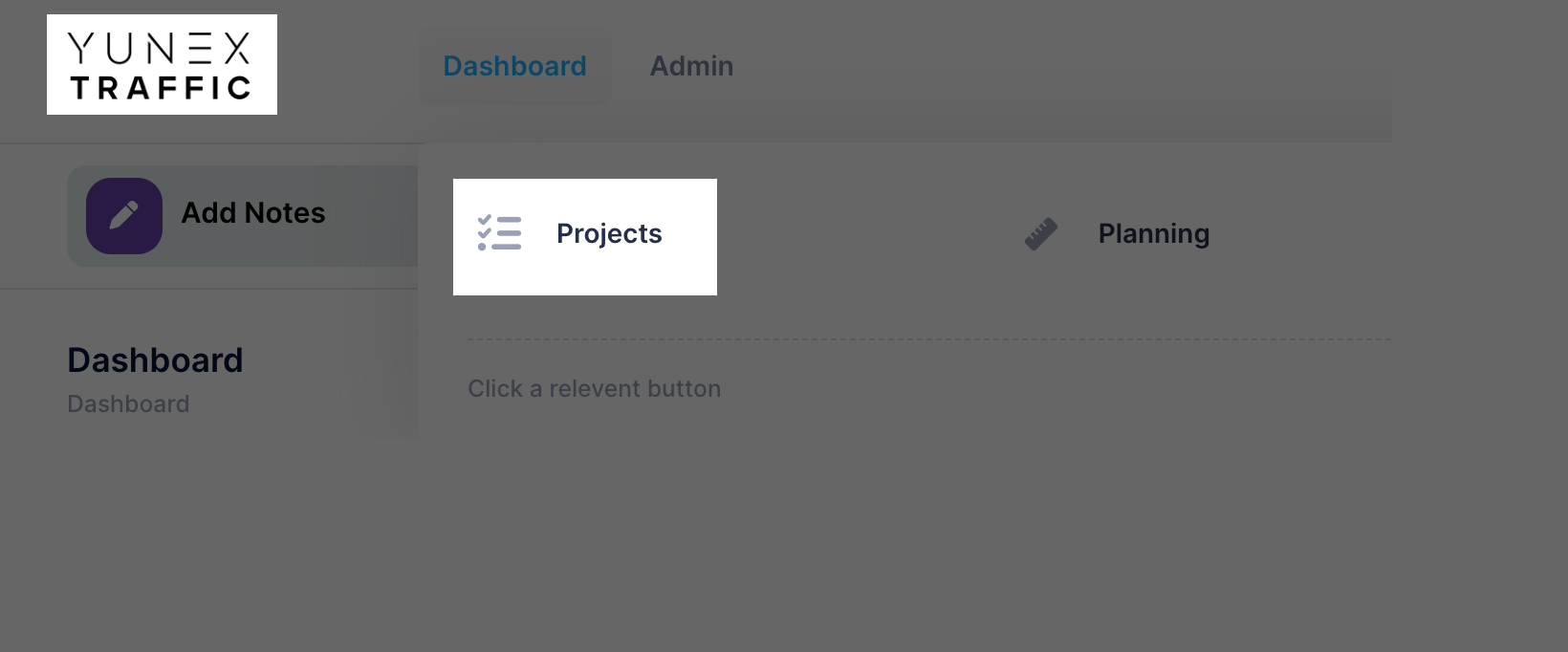
To access the Photos of a specific Photos. Go to the Photoss list.
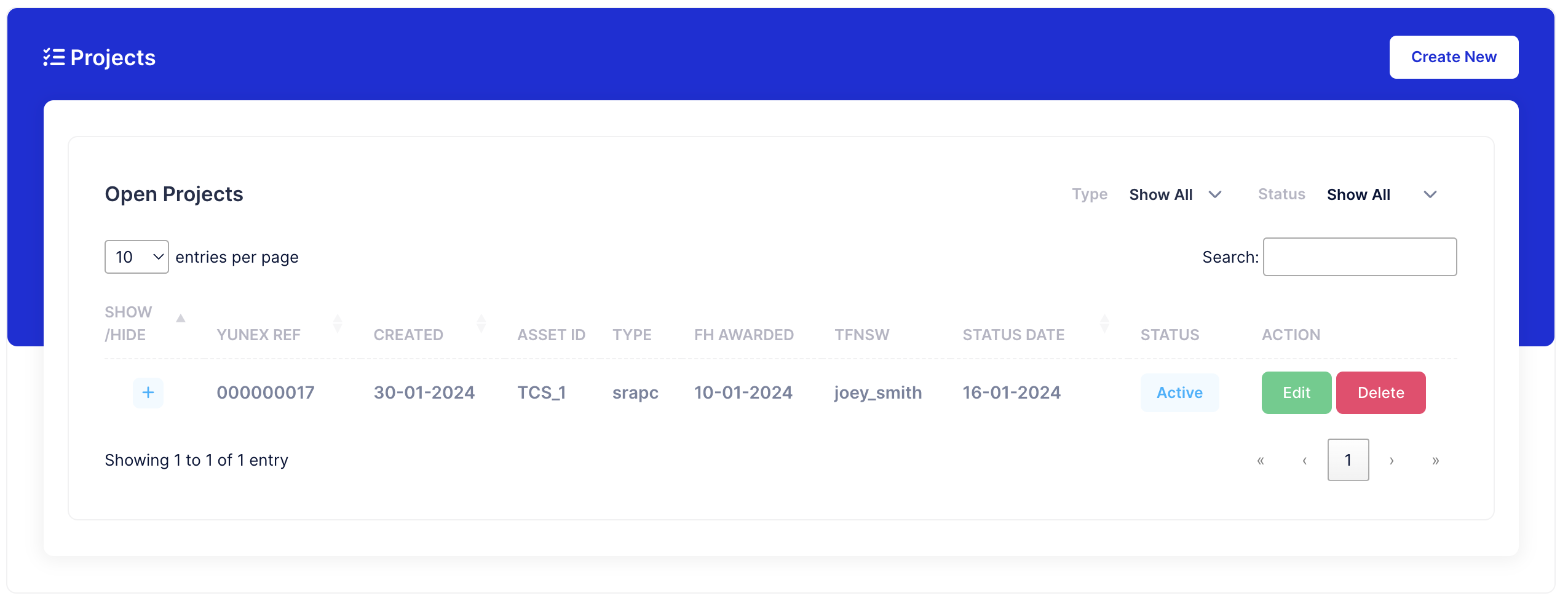
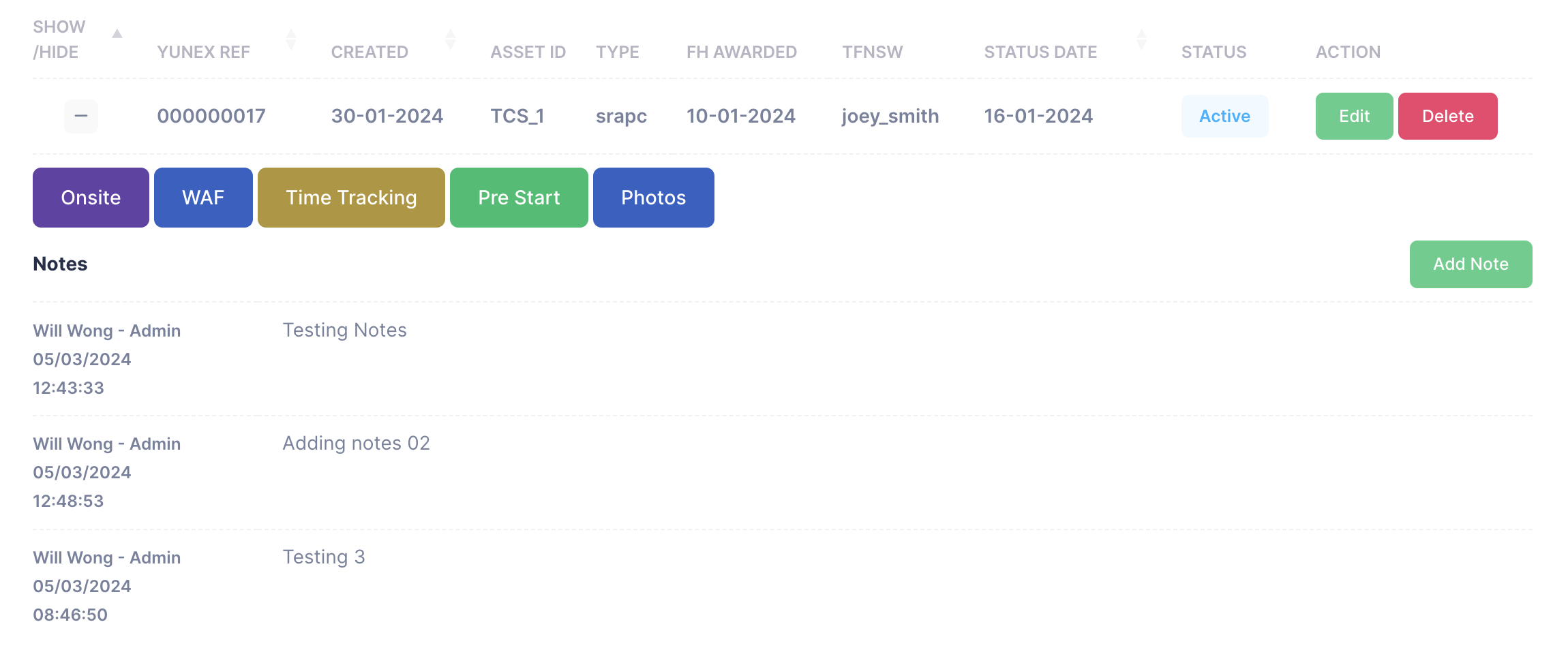
Click the "+" icon to reveal Quick links for the specific Photos

Click "Photos"
Add Photos
To add photos, fill out the "Title", "Description" fields then Drag and Drop or select the Photos you would like to add.
Then Click "Submit" to add the photos.

Uploaded Photos
At the bottom you'll see the photos which have already been uploaded.
Photos will be grouped in batches which you uploaded them, if you add a single photo it will be shown on its own.
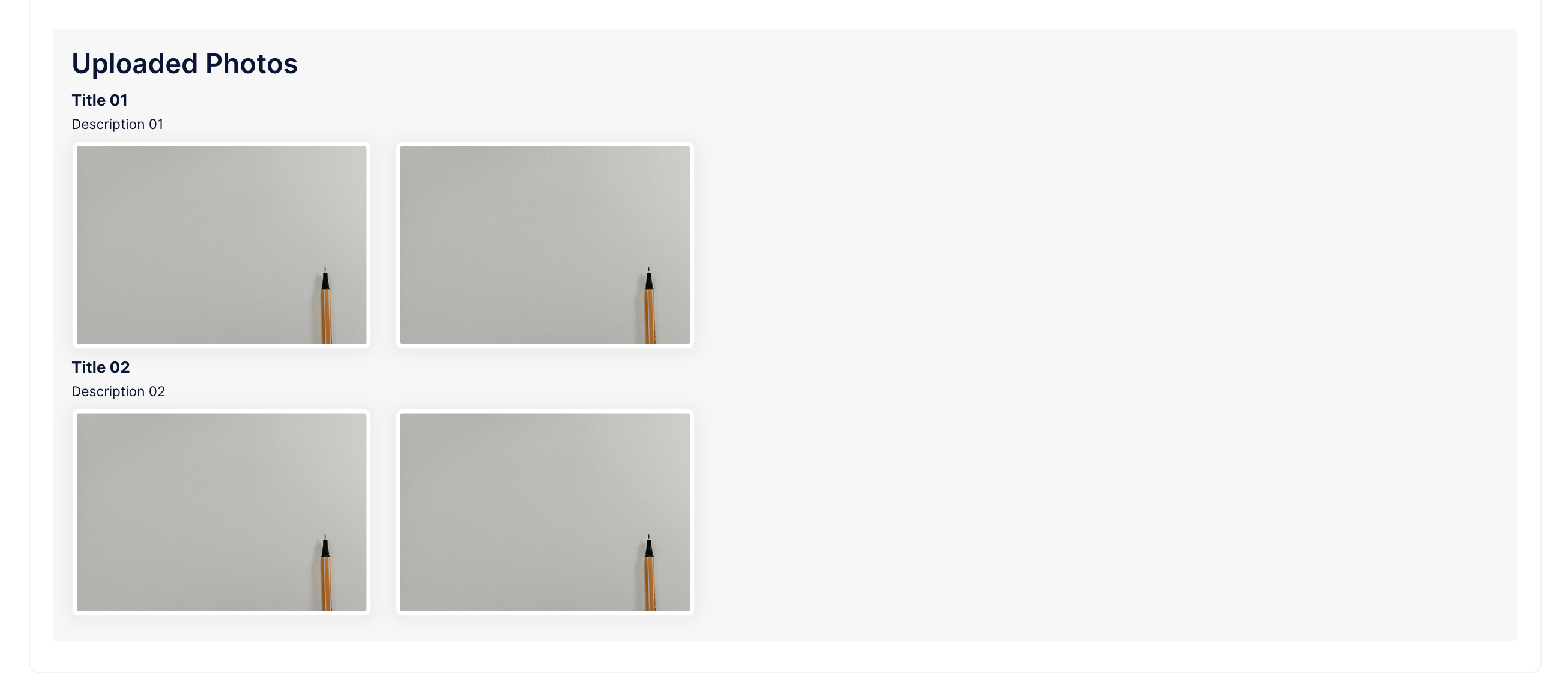
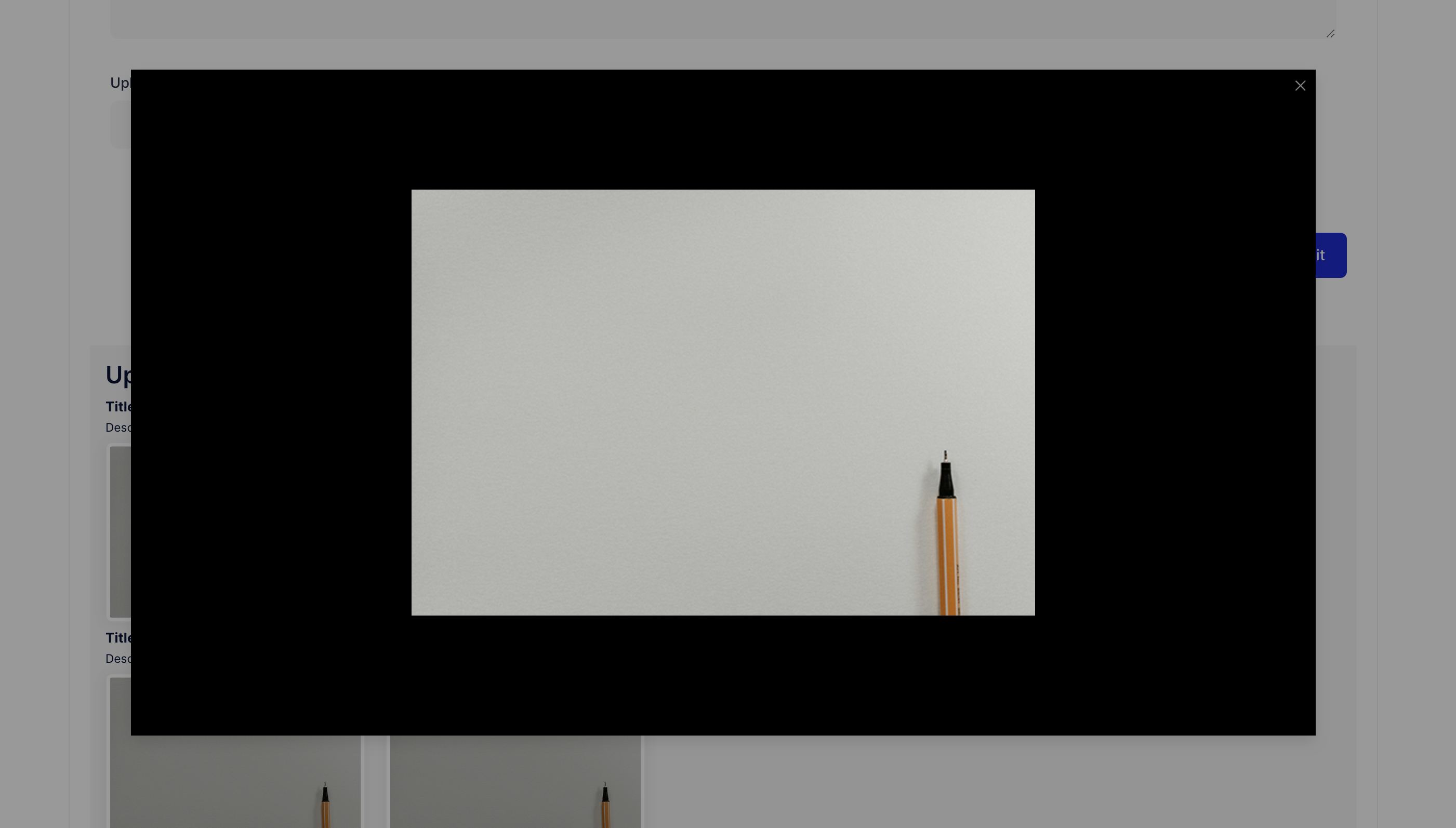
Click the images to view them in a larger format in the popup.